What Is a QR Code for a Phone Number?
A phone number QR code is a QR code that opens the phone dialer and automatically fills in your number when someone scans it.
Instead of typing your phone number manually, users can:
- Open their camera
- Scan the QR code
- Tap "Call"
That's it. No typing. No mistakes. No friction.
Want one fast? Use our free Phone QR Code Generator to create a scan-to-call QR code in seconds.
Technically, this uses a special link format:
tel:+15551234567
But your customers never see that — they just scan and call.
Why You Should Use a Phone QR Code
Every extra step reduces conversions.
If someone has to:
- Read your number
- Remember it
- Type it manually
You will lose a percentage of potential callers.
With a QR code:
- ✅ One scan to call
- ✅ No typing
- ✅ No mistakes
- ✅ Faster action
- ✅ More inbound calls
This is especially effective for offline marketing materials.
Where to Use a Phone Number QR Code
Here are the highest-impact places:
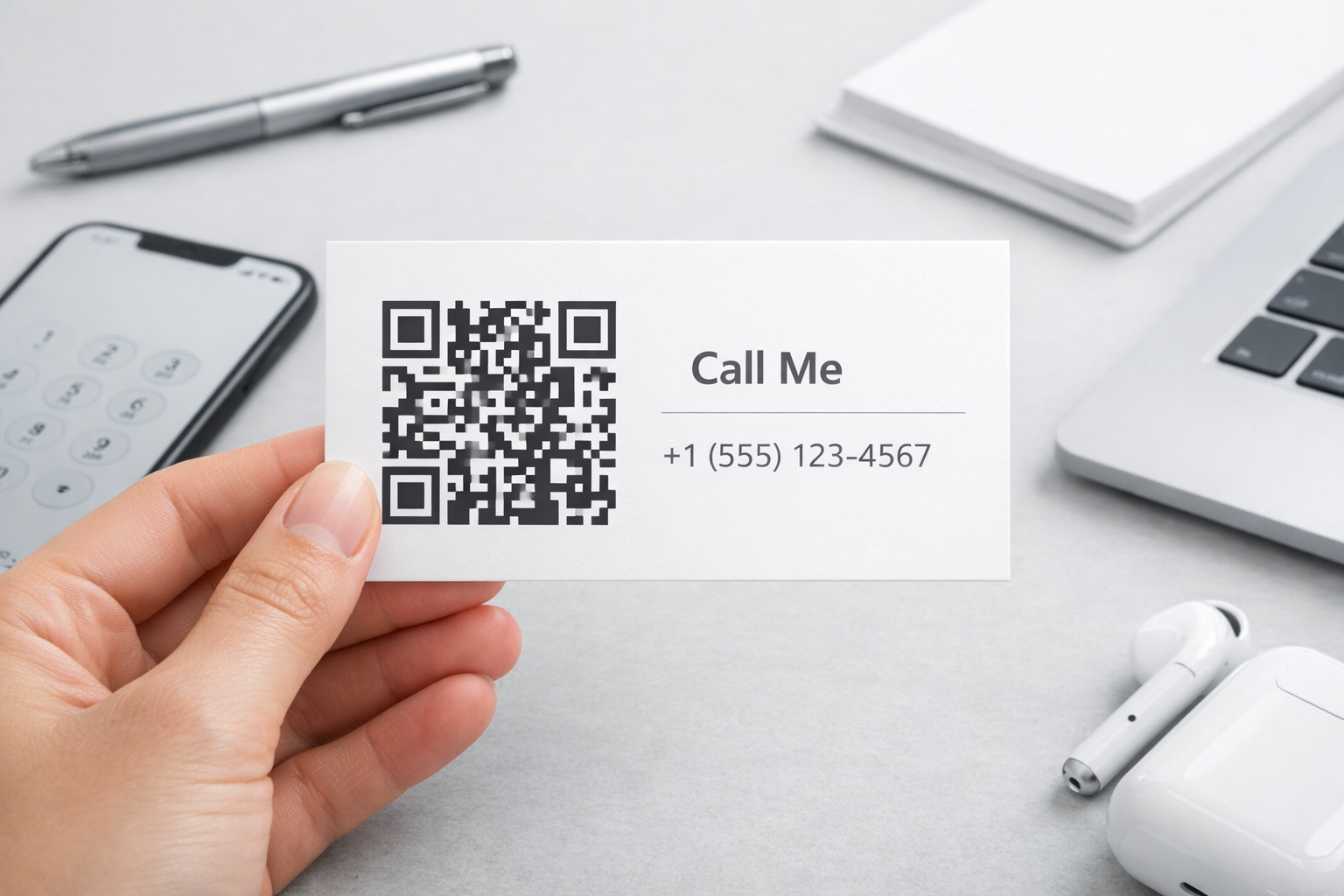
- Business cards – Let people save or call instantly
- Store windows & doors – Perfect for after-hours calls
- Flyers & posters – Great for local promotions
- Company vehicles – Turn attention into calls
- Menus – For takeout or reservations
- Real estate signs – Instant inquiries from passersby
- Trade show booths – Reduce friction and increase leads
Anywhere someone might think:
"I'll call later."
A QR code makes them call now.
How to Create a QR Code for Your Phone Number (Free)
You can generate one in less than 10 seconds using our free Phone QR Code Generator.
Step 1: Choose country code and enter your phone number
555 123 4567
Step 2: Use "Styling" section to customize your code
Step 3: Download your QR code
Use it on:
- Print materials
- Website
- Social media
- Signs and posters
That's it. Your QR code will open the phone dialer automatically when scanned.
Best Practices for Phone QR Codes
✅ Always include a call-to-action
Don't just show the QR code. Add text like:
- "Scan to call us"
- "Scan to book an appointment"
- "Scan to talk to a specialist"
✅ Make it large enough
For print:
- Minimum: 2 x 2 cm
- Bigger is better for distance scanning
✅ Use high contrast
Black on white works best.
✅ Test before printing
Always test on:
- iPhone
- Android
Common Mistakes to Avoid
❌ Making the QR code too small
❌ No explanation text
❌ Low contrast colors
❌ Linking to the wrong number
❌ Not testing before printing
QR Code vs Writing Your Phone Number
| Method | Friction | Errors | Speed |
|---|---|---|---|
| Writing number | High | Common | Slow |
| QR code | Low | None | Instant |
The best option is both, but QR codes capture impulse calls far better.
Frequently Asked Questions
Do phone QR codes expire?
No. Once generated, they work forever.
Do users need an app to scan?
No. Modern iPhones and Android phones scan QR codes natively with the camera.
Does it work without internet?
Yes. The dialer opens without internet.
Can I use this on business cards?
Yes — it's one of the best uses.
Bonus: More Calls = More Missed Calls
A QR code helps you get more calls.
But what happens if:
- You're busy?
- It's after hours?
- You miss the call?
Many businesses miss 30–50% of inbound calls.
That's why more businesses now use AI to answer calls automatically, qualify callers, and book appointments.
Create Your Phone QR Code Now
Use our Phone QR Code Generator to create your own in seconds.
No signup. No watermark. No limits.
TL;DR
- A phone QR code lets customers call you instantly
- It increases call volume and reduces friction
- It works on flyers, business cards, windows, and signs
- You can generate one for free in seconds with our Phone QR Code Generator
By using a simple phone QR code, you remove friction from your marketing and turn attention into real phone calls.